
 Posted By
Bajarangi soft ,
Posted On 05-11-2020
Posted By
Bajarangi soft ,
Posted On 05-11-2020
Absolute Lengths
The absolute length units are fixed and a length expressed in any of these will appear as exactly that size.
| Unit | Description |
|---|---|
| cm | centimeters |
| mm | millimeters |
| in | inches (1in = 96px = 2.54cm) |
| px * | pixels (1px = 1/96th of 1in) |
| pt | points (1pt = 1/72 of 1in) |
| pc | picas (1pc = 12 pt) |
Relative length units specify a length relative to another length property. Relative length units scales better between different rendering mediums.
| Unit | Description |
|---|---|
| em | Relative to the font-size of the element (2em means 2 times the size of the current font) |
| ex | Relative to the x-height of the current font (rarely used) |
| ch | Relative to width of the "0" (zero) |
| rem | Relative to font-size of the root element |
| vw | Relative to 1% of the width of the viewport* |
| vh | Relative to 1% of the height of the viewport* |
| vmin | Relative to 1% of viewport's* smaller dimension |
| vmax | Relative to 1% of viewport's* larger dimension |
<!DOCTYPE html>
<html>
<head>
    <title>Which Are The CSS Units Used For Expressing A Length</title>
    <meta name="viewport" content="width=device-width, initial-scale=1.0">
    <link rel="stylesheet" href="https://maxcdn.bootstrapcdn.com/bootstrap/3.3.6/css/bootstrap.min.css"/>

</head>
<style>
    body {
        background: #c7254e;
    }

    h2 {
        font-size: 60px;
    }

    p {
        font-size: 25px;
        line-height: 50px;
    }
</style>
<body>
<br/><br/>
<div class="container">
    <br>
    <div class="text-center">
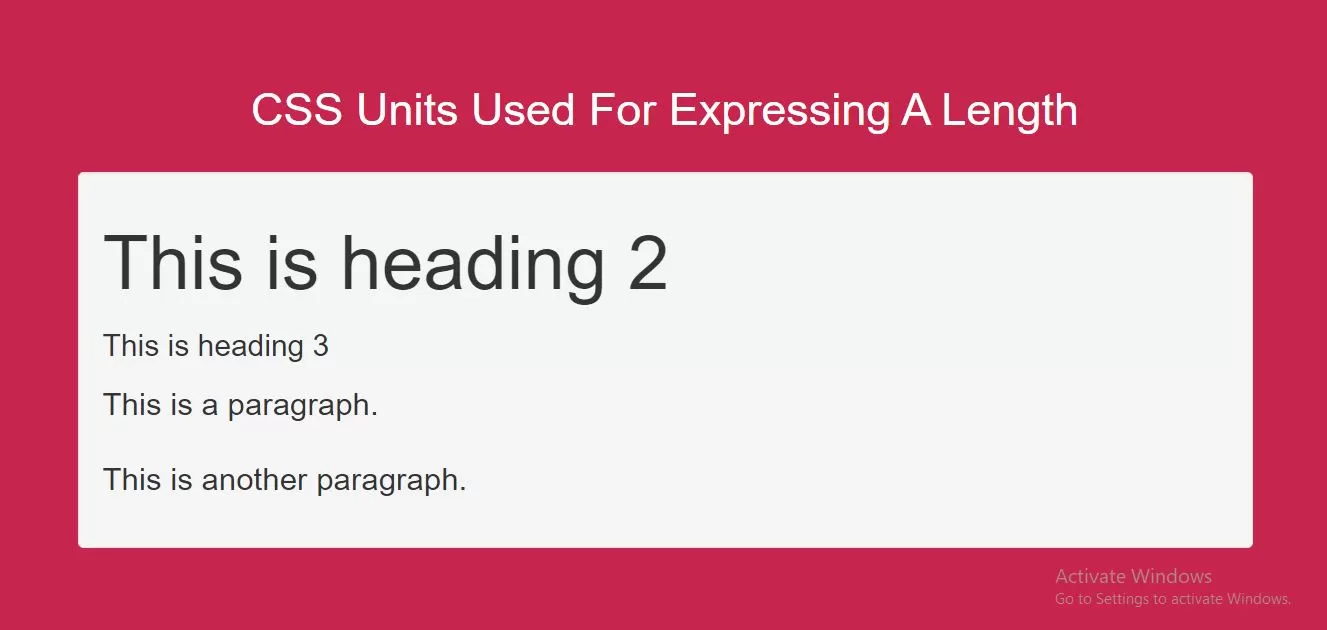
        <h1 id="color" style="color: white;">CSS Units Used For Expressing A Length</h1>
    </div>
    <br>
    <div class="well">
        <h2>This is heading 2</h2>
        <h3>This is heading 3</h3>
        <p>This is a paragraph.</p>
        <p>This is another paragraph.</p>
    </div>
</div>
</body>
</html>