
 Posted By
Bajarangi soft ,
Posted On 08-10-2020
Posted By
Bajarangi soft ,
Posted On 08-10-2020
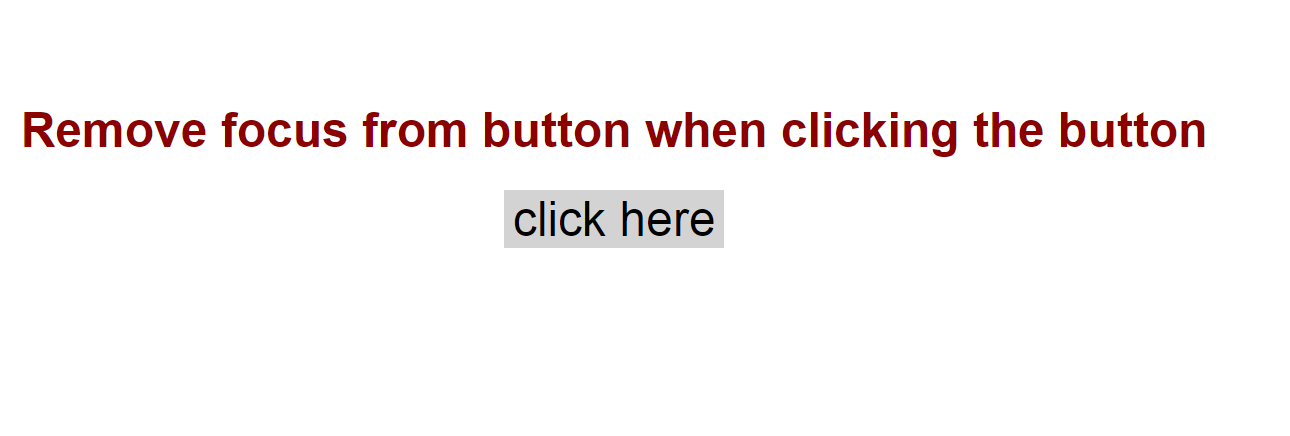
To remove focus around the button outline:none property is used.
Syntax:
button {
// Remove focus around button
outline:none;
}
<!DOCTYPE html>
<html>

<head>
    <title>
        Remove focus around the button
    </title>

    <style>
        h1 {
            text-align: center;
            margin-top: 10%;
            font-family: Arial;
            color: darkred;
        }
        button {
            background-color: lightgray;
            font-size: xx-large;
            border: none;
            cursor: pointer;
        }
    </style>
</head>

<body>
<h1>Button get Focused when clicking it</h1>
<div><button type="submit" style="margin:auto;display:block;">click here</button></div>
</body>
</html>
<!DOCTYPE html>
<html>

<head>
    <title>
        Remove Focus from button
    </title>

    <style>
        h1 {
            text-align: center;
            margin-top: 10%;
            font-family: Arial;
            color: green;
        }
        button {
            background-color: lightgray;
            font-size: xx-large;
            border: none;
            cursor: pointer;
            outline: none;
        }
    </style>
</head>

<body>
<h1>Remove focus from button when clicking the button</h1>
<div><button type="submit" style="margin:auto; display:block;">click here</button></div>
</body>
</html>