
 Posted By
Bajarangi soft ,
Posted On 09-10-2020
Posted By
Bajarangi soft ,
Posted On 09-10-2020
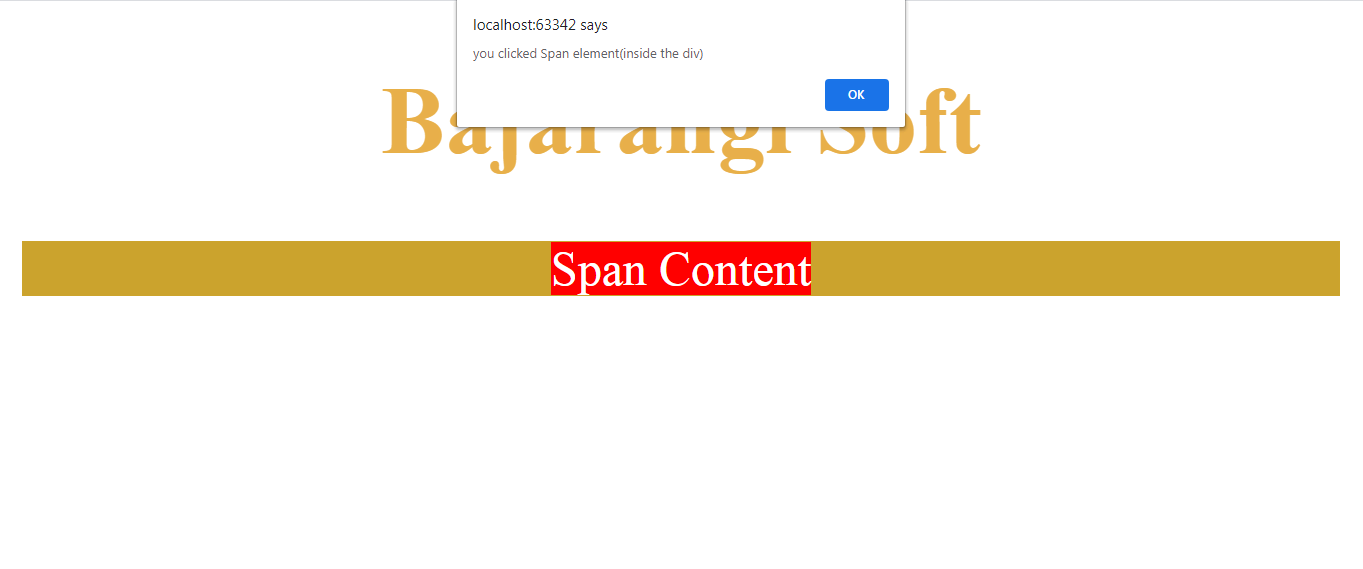
Use HTML DOM stopPropagation() method to stop the event from propagating with inline onclick attribute which is described below:
HTML DOM stop Propagation() Event method
Syntax:
event.stopPropagation()
<!DOCTYPE HTML>
<html>
<head>
    <title>
        How to stop event propagation with
        inline onclick attribute
    </title>

    <style>
        div {
            background: #cba32d;
        }
        span {
            background: red;
            color: white;
        }
    </style>
</head>

<body style = "text-align:center;">

<h1 style = "color:#e8af4a;" >
  Bajarangi Soft
</h1>

<div onclick= "alert('you clicked the div')">
         <span onclick= "event.stopPropagation();
         alert('you clicked Span element(inside the div)');">
            Span Content
         </span>
</div>
</body>
</html>
<!DOCTYPE HTML>
<html>
<head>
    <title>
        How to stop event propagation with
        inline onclick attribute
    </title>

    <style>
        div {
            background: green;
        }
        span {
            background: red;
            color: white;
        }
    </style>
</head>

<body style = "text-align:center;">

<h1 style = "color:green;" >
    GeeksForGeeks
</h1>

<div onclick= "alert('you clicked the div')">
         <span onclick= "StopEventPropagation(event);
         alert('you clicked Span element(inside the div)');">
            Span Content
         </span>
</div>

<br>
<script>
    function StopEventPropagation(event) {
        if (event.stopPropagation) {
            event.stopPropagation();
        }
        else if(window.event) {
            window.event.cancelBubble=true;
        }
    }
</script>
</body>
</html>