
 Posted By
Bajarangi soft ,
Posted On 17-09-2020
Posted By
Bajarangi soft ,
Posted On 17-09-2020
we need to perform CRUD (Create, Read, Update, Delete) operations. Laravel makes this job easy for us. Just create a controller and Laravel will automatically provide all the methods for the CRUD operations. You can also register a single route for all the methods in routes.php file.
Example(1)
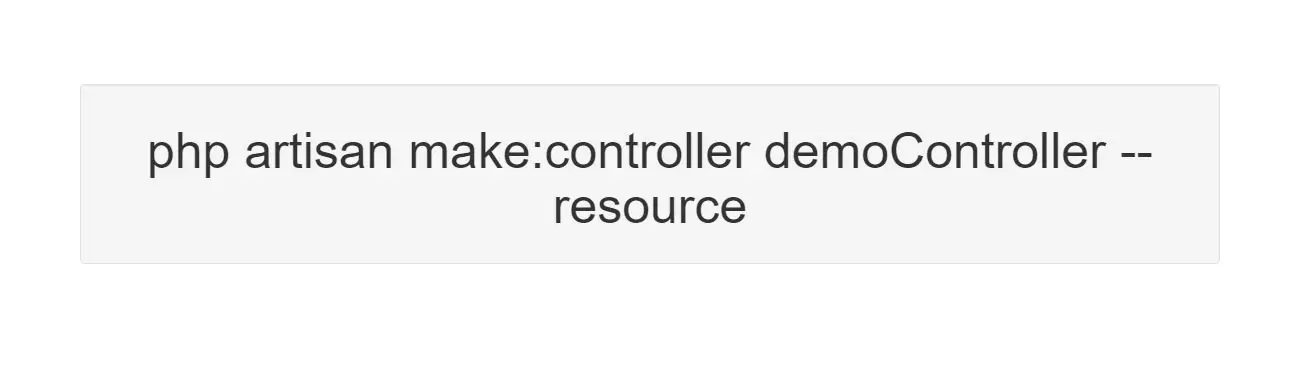
1. Create a controller called demoController by executing the following command.
php artisan make:controller demoController --resource
2 . Add the following code in app/Http/Controllers/demoController.php file. app/Http/Controllers /demo Controller.php
 <?php

namespace App\Http\Controllers;

use Illuminate\Http\Request;
use App\Http\Requests;
use App\Http\Controllers\Controller;
use App\User;

class demoController extends Controller
{
    public function index() {
        return 'index';
    }
    public function create() {
        return 'create';
    }
    public function store(Request $request) {
        return 'store';
    }
    public function show($id) {
        return 'show';
    }
    public function edit($id) {
        return 'edit';
    }
    public function update(Request $request, $id) {
        return 'update';
    }
    public function destroy($id) {
        return 'destroy';
    }
}
3. Add the following line of code in app/Http/routes.php file
app/Http/routes.php
Route::resource('demos','demoController');
Actions Handled By Resource Controller
| Verb | URI | Action | Route Name |
|---|---|---|---|
| GET | /demos |
index | demos.index |
| GET | /demos/create |
create | demos.create |
| POST | /demos |
store | demos.store |
| GET | /demos/{demo} |
show | demos.show |
| GET | /demos/{demo}/edit |
edit | demos.edit |
| PUT/PATCH | /demos/{demo} |
update | demos.update |
| DELETE | /demos/{demo} |
destroy | demos.destroy |
Specifying The Resource Model
If you are using route model binding and would like the resource controller's methods to type-hint a model instance, you may use the --model option when generating the controller:
php artisan make:controller demoController --resource --model=demo
Spoofing Form Methods
Since HTML forms can't make PUT, PATCH, or DELETE requests, you will need to add a hidden _method field to spoof these HTTP verbs. The @method Blade directive can create this field for you:
<form action="/foo/bar" method="POST">
    @method('PUT')
</form>