
 Posted By
Bajarangi soft ,
Posted On 12-10-2020
Posted By
Bajarangi soft ,
Posted On 12-10-2020
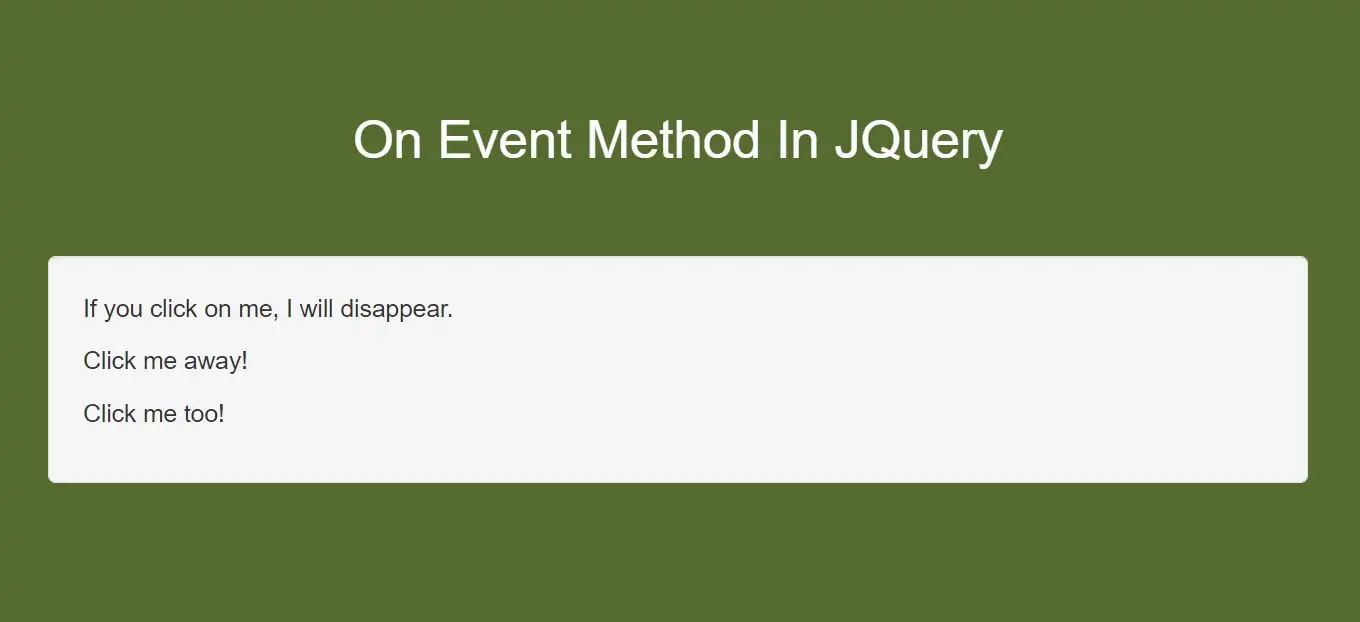
In Jquery we can hide html element even in on event method so today we discuss how to Use On() Method in jquery
Attach a click event to a <p> element:
Step 1:Create index.html file and implement below code.
<p>If you click on me, I will disappear.</p>
<p>Click me away!</p>
<p>Click me too!</p>
Step 2:Implement jquery to use On event method
<script>
    $(document).ready(function(){
        $("p").on("click", function(){
            $(this).hide();
        });
    });
</script>
Complete Code For On Event Method In JQuery
<!DOCTYPE html>
<html>
<head>
    <title>How To Use On Event Methods In JQuery With Example</title>
    <meta charset="utf-8">
    <meta name="viewport" content="width=device-width, initial-scale=1">
    <link rel="stylesheet" href="https://maxcdn.bootstrapcdn.com/bootstrap/3.4.1/css/bootstrap.min.css">
    <script src="https://ajax.googleapis.com/ajax/libs/jquery/3.5.1/jquery.min.js"></script>
</head>
<style>
    body {
        background: darkolivegreen;
    }
</style>
<body>
<div class="container">
    <br>
    <br>
    <br>
    <div class="text-center">
        <h2 id="color" style="color: White">On Event Method In JQuery</h2>
    </div>
    <br>
    <br>
    <div class="well">
        <p>If you click on me, I will disappear.</p>
        <p>Click me away!</p>
        <p>Click me too!</p>
    </div>
</div>
</body>
</html>
<script>
    $(document).ready(function(){
        $("p").on("click", function(){
            $(this).hide();
        });
    });
</script>